Share
It’s 6:40 on a Thursday night and the front desk at a 120-room hotel is down two people. The general manager pulls up the schedule to see who’s supposed to be covering the next shift, then pulls up a second screen to see who actually clocked in. The two don’t match. One system told her who should be working tonight. The other is telling her who is working tonight. They’re not the same tool, and treating them like they are is exactly how short staffing turns into a payroll mess by Friday morning.
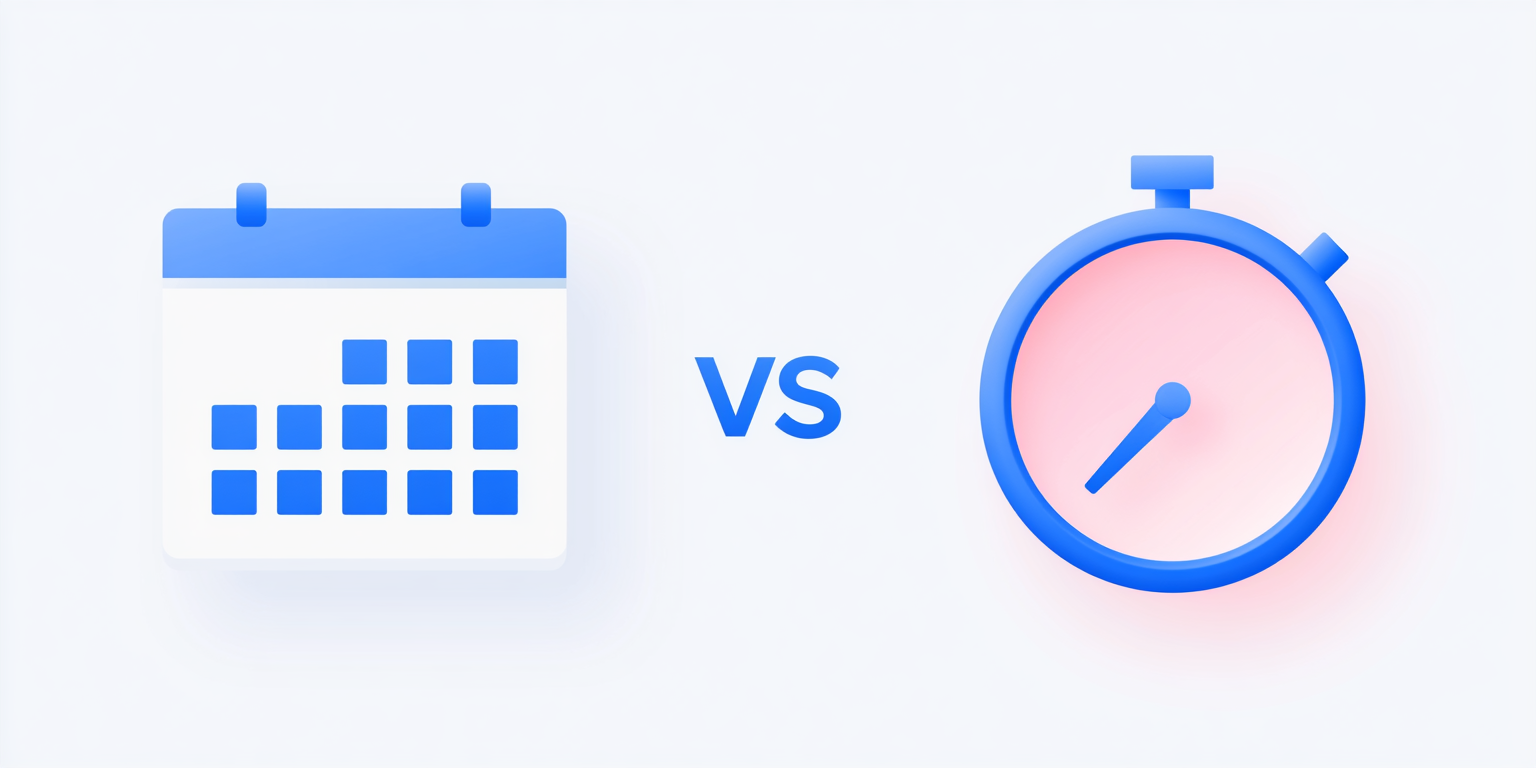
That mix-up is more common than you’d think. A lot of business owners and HR managers use “workforce management software” as a catch-all term, but scheduling software vs. time tracking software is really a question about two different jobs. One plans the work. The other proves the work happened. Both feed payroll, but they do it in different ways, and knowing the difference matters when you’re deciding what to buy, how to set it up, or why your labor numbers keep looking off.
Last updated: August 2026
This guide breaks down what each type of software actually does, where they overlap, and where the legal lines fall for overtime and schedule notice. By the end, you’ll know whether your business needs one system, both, or a single platform that handles them together.
What Does Scheduling Software Actually Do?
Scheduling software builds and publishes the plan for who works, when, and in what role, before a single shift starts. Think of it as the forward-looking half of workforce management. A restaurant manager uses it to map cooks and servers against Friday’s expected dinner rush. A hospital uses it to make sure every unit has the right ratio of nurses on nights and weekends.
Most scheduling platforms handle a similar set of tasks: building shift templates, tracking employee availability and time-off requests, forecasting labor needs against sales or patient volume, and letting employees swap shifts or pick up open ones without a manager playing phone tag. Good scheduling tools also send automatic notifications when a shift is published or changed, which sounds small until you’ve spent an evening texting twelve people one at a time.
Here’s the part that surprises people: in some cities, scheduling isn’t just an operational nicety, it’s a legal requirement. Seattle’s Secure Scheduling ordinance requires certain large retail and food service employers to post schedules at least 14 days in advance and pay employees extra when the employer changes a posted shift or sends someone home early. A handful of other cities and states have passed similar “fair workweek” laws. If your business operates in one of those jurisdictions, scheduling software isn’t optional convenience. It’s how you prove compliance.
What Does Time and Attendance Software Track?
Time and attendance software records what actually happened, not what was planned. It captures the moment an employee clocks in, tracks breaks and meal periods, flags missed punches, and calculates the hours that go straight into payroll. Where scheduling software answers “who’s supposed to be here,” time and attendance software answers “who was actually here, and for how long.”
Modern systems capture that data a few different ways: mobile apps with geofencing so remote or field employees can only clock in from an approved location, biometric clocks using fingerprint or facial recognition, badge readers, and old-fashioned manual entry with manager approval built in. Whichever method you use, the goal is the same: a clean, accurate record that doesn’t require someone in payroll to guess.
This isn’t just about convenience either. The Fair Labor Standards Act requires employers to keep specific records for every nonexempt employee, including hours worked each day and total hours worked each workweek, along with total overtime earnings and the regular pay rate. Payroll records need to be kept for at least three years, and the records used to compute wages, like time cards and work schedules, for at least two. A time and attendance system builds that documentation automatically. A sticky note on the manager’s desk does not.
Where the Two Systems Overlap
So where does the confusion actually come from? Mostly from the fact that scheduling and time tracking talk to each other constantly, even though they’re built for different moments. A schedule sets the expectation. A time clock reports the reality. The gap between those two numbers, scheduled hours versus actual hours, is exactly what managers use to spot problems: chronic tardiness, unauthorized overtime, or a shift that’s consistently overstaffed.
That’s also why the two functions increasingly live inside a single system rather than two separate ones. When scheduling and time tracking share the same database, actual punches can automatically update labor cost projections, and a manager building next week’s schedule can see exactly how last week’s played out. Split across two disconnected tools, someone has to reconcile that manually, and manual reconciliation is where errors sneak in.
Scheduling Software vs. Time Tracking Software: A Side-by-Side Comparison
Here’s the difference laid out plainly.
| Capability | Scheduling Software | Time & Attendance Software |
| Primary job | Plans who works which shifts | Records the hours actually worked |
| When it’s used | Before the shift starts | During and immediately after the shift |
| Core inputs | Availability, labor forecasts, role and skill requirements | Clock-in/clock-out punches, biometric or mobile GPS data |
| Compliance focus | Predictive scheduling and fair workweek laws (where they apply) | FLSA overtime and recordkeeping requirements |
| What it feeds to payroll | Planned labor hours and projected cost | Actual hours, overtime, and pay-affecting exceptions |
| Typical features | Shift swaps, open-shift pickup, labor forecasting, availability tracking | Geofencing, biometric clocks, break tracking, overtime alerts |
The Legal Line: Overtime Rules vs. Schedule Notice Rules
It helps to separate the two kinds of compliance risk, because they come from different laws entirely. The FLSA sets the rules around pay, not around planning. Nonexempt employees must receive overtime pay at 1.5 times their regular rate for any hours worked beyond 40 in a workweek, and that threshold doesn’t bend based on how the schedule was built or how much notice an employee got. Time and attendance software is what makes that math accurate, since it’s tracking the actual hours the overtime rule depends on.
Schedule notice is a different animal, and it’s local, not federal. There’s no nationwide law requiring employers to post shifts a certain number of days in advance. That’s where scheduling software earns its keep in cities and states that have passed their own rules. Seattle’s ordinance is one example, and similar laws exist in other jurisdictions with their own notice periods and penalty structures. If you operate in more than one city or state, checking local requirements before you finalize a schedule isn’t optional, and this isn’t legal advice, so confirm the specifics with your state labor office or employment counsel.
Worth knowing: variable schedules aren’t rare. In a Bureau of Labor Statistics survey of work schedules, 55% of workers said they learned their schedule at least four weeks ahead, but 19% found out less than a week before it started. That gap is exactly what predictive scheduling laws are trying to close, and it’s exactly what good scheduling software helps operators avoid.
How Payroll Ties Scheduling and Time Data Together
Payroll doesn’t care where the data comes from. It just needs accurate hours, the right pay rate, and the right overtime calculation, every pay period, without exceptions. That’s the reason more employers are moving away from separate scheduling and time-clock vendors and toward a connected system.
Netchex’s Time & Attendance solution is built around exactly that connection. The Scheduler tool lets managers create and publish schedules, while employees can swap shifts or pick up open ones through the Who’s In Dashboard without a manager approving every single change by hand. On the time-tracking side, employees can clock in through a mobile app with geofencing, a biometric clock using face or fingerprint recognition, a badge reader, or a manager-approved manual entry, whichever fits the job site. Punch rules and missed-punch alerts catch problems before they become payroll disputes, and Department Transfer handles shift differentials when someone works across roles or locations.
Because the scheduling and time data live in the same system, hours flow directly into payroll instead of getting keyed in twice. That matters most for multi-location operators, restaurants, hotels, and healthcare facilities among them, where a single missed punch or an unapproved overtime shift can throw off labor costs across an entire location. Fewer disconnected systems means fewer places for an error to hide.
Do You Need Both, or Just One?
It depends on how your workforce actually works. A small office with a handful of salaried employees on a fixed schedule might genuinely be fine with just time tracking, since there’s not much to schedule in the first place. But that’s a narrow case.
Most businesses with hourly, shift-based, or deskless employees, think restaurants, hotels, clinics, and manufacturers, need both. The schedule keeps operations covered. The time clock keeps payroll and compliance honest. Trying to run one without the other usually means someone is doing manual comparison work every single pay period, which is exactly the kind of task that eats a manager’s Friday afternoon and still leaves room for mistakes.
If you’re evaluating options, the real question isn’t “scheduling or time tracking.” It’s whether the two systems you pick will actually talk to each other, or whether you’ll be the one translating between them every week.
Frequently Asked Questions
Scheduling software plans who works when, handling shift creation, availability, and swaps before anyone clocks in. Time and attendance software records what actually happened by tracking clock-ins, breaks, and hours worked. One plans the future. The other documents the past. Payroll needs data from both to run correctly.
Yes, but you will likely end up comparing scheduled hours to actual hours by hand, which invites errors. Many small businesses start with just a schedule and a manual time clock, then add automated time tracking once payroll mistakes or overtime disputes start costing real money.
Most modern platforms do, tracking hours against the 40 hour workweek threshold the Fair Labor Standards Act sets for nonexempt employees. That said, employers are still responsible for the underlying pay rate and workweek setup, so the software supports compliance, it does not replace it.
Not under federal law. The FLSA governs recordkeeping and overtime pay, not scheduling notice. Some cities, including Seattle, have passed fair workweek laws requiring advance notice and extra pay for last minute changes, so check the rules in your specific location.
Netchex’s Time & Attendance solution includes a built-in Scheduler for building and publishing shifts alongside biometric and mobile clock-in options. Hours flow directly into payroll, so managers are not re-entering data or reconciling two separate systems by hand.
Ready to See How Netchex Can Help You Manage Scheduling and Time Tracking Together?
See how one connected platform builds schedules, tracks hours, and feeds accurate data straight into payroll.
Related events

Geofence Clock-In Isn’t Stopping Parking-Lot Punches: What Actually Works
One Employee, Three Departments: Time Rules, Supervisors, and Pay Rates
5 Best When I Work Alternatives for Deskless, Hourly Teams