Share
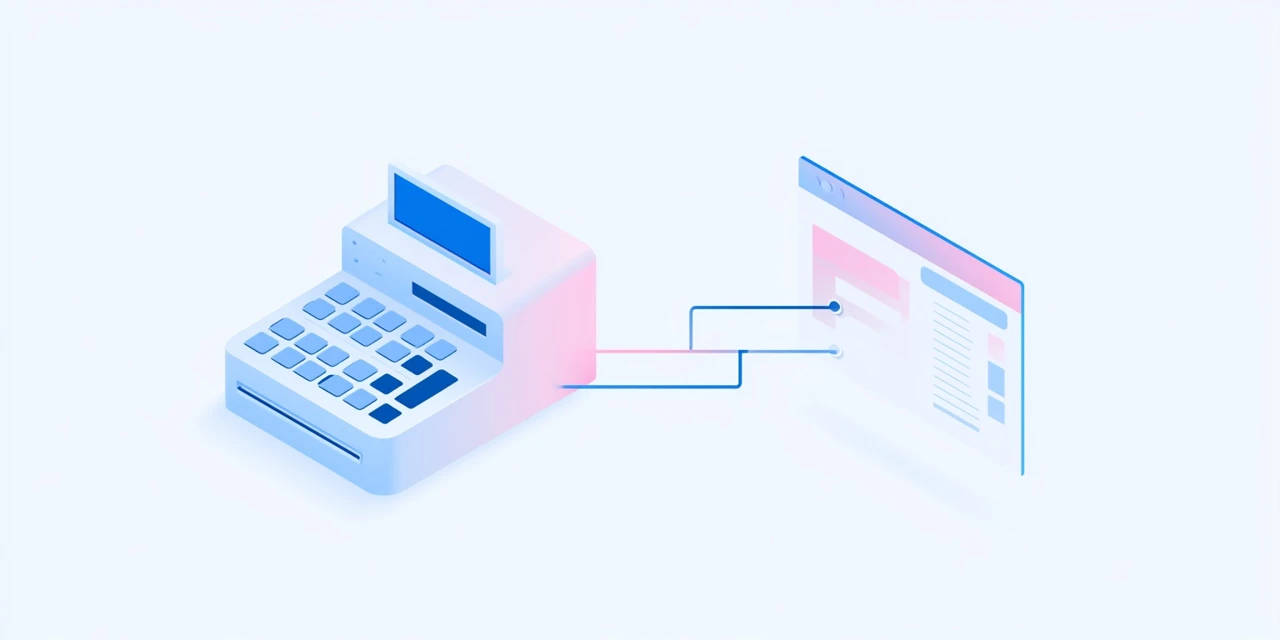
Retailers running payroll and point-of-sale systems as separate tools end up duplicating data entry and losing visibility into how labor costs relate to sales. Connecting payroll to the POS system closes that gap and gives store managers a much clearer picture of labor efficiency.
This guide covers how POS integration with payroll works and what it enables for retailers.
Last updated: August 2026
Why Retailers Connect Payroll and POS Systems
Integrating payroll with the POS system eliminates duplicate data entry between scheduling, time tracking, and sales systems. It also lets managers see labor cost as a percentage of sales in real time, a key metric for retail operations.
Syncing Employee Time Clock Data
Some POS systems include a built-in time clock feature that employees use when starting or ending a shift. Syncing that data directly to payroll avoids re-entering hours manually and reduces timekeeping errors.
Commission and Sales-Based Pay Tracking
For retailers that pay commission based on sales performance, connecting POS sales data to payroll automates what would otherwise be a manual commission calculation process at the end of each pay period.
Labor Cost Reporting Tied to Sales Performance
With payroll and POS data connected, store managers can see labor cost against actual sales volume by shift, day, or location, supporting better scheduling decisions going forward.
How Netchex Supports POS Integration
Netchex integrates with popular POS and time clock systems to sync hours and commission data directly into payroll, giving retailers a clearer, real-time view of labor cost against sales.
Timecard integration with our DMS for running technician productivity reports.
— Verified User, Automotive, G2
Frequently Asked Questions
Integration eliminates duplicate data entry and lets managers see labor cost as a percentage of sales in real time, which supports better scheduling decisions.
Yes, when a POS system includes a built-in time clock, that data can sync directly to payroll to avoid manually re-entering hours and reduce timekeeping errors.
Connecting POS sales data to payroll automates commission calculations that would otherwise require manual work at the end of each pay period.
Managers can view labor cost against actual sales volume broken down by shift, day, or location, giving a clearer picture of labor efficiency across the business.
Ready to See How Netchex Can Help Your Store?
See how Netchex connects with POS and time clock systems to keep payroll accurate and current.
This guide reflects publicly available product information and independent reviewer data (G2, Capterra, Trustpilot, Yelp, Better Business Bureau, Reddit, Software Advice, GetApp) as of 2026. Feature availability and pricing may vary by plan. Contact each provider for current details.
Disclaimer: Any product roadmap or future plans provided herein are for informational purposes only. They do not represent a commitment to deliver any material, code, feature, or functionality. Plans may change without notification. The development, release and timing of any features or functionality described remain at the sole discretion of Netchex, its affiliates, and partners. Netchex does not give legal, tax, or accounting advice. You are responsible for ensuring your use of Netchex product meets your individual business and compliance requirements.

Related events

Netchex vs. HRCG: Which HR and Payroll Platform Is Right for Your Business in 2026?

5 Best HRCG Alternatives for Connecticut and Northeast Businesses in 2026

Netchex vs. The Payroll Specialists: Which HR and Payroll Platform Is Right for Your Business in 2026?