

Fringe Benefits, Sick Pay, and Employer Health Coverage
Get every benefit reported correctly before year-end.
Certain benefits and payments require special year-end reporting. Review the requirements below to make sure everything is included on your employees’ W-2s and your company filings.

Table of Contents


Third Party Sick Pay
For employers in California, Connecticut, New York, and the Virgin Islands:
- Federal law requires reporting of sick pay payments made to employees by a third party, along with any taxes withheld.
- These amounts must appear on the employee’s W-2 or on a separate form from the third party.
- Be sure to obtain this information from your provider before your last 2025 payroll, so the 941 and W-2 forms are accurate.
- Additional charges apply if information is received after December 31, 2025.
-
If you’re unsure who is responsible for reporting (Netchex or your third-party provider), confirm with your provider right away.
- – If your provider is paying and reporting all taxes and preparing W-2s, do not send those payments to Netchex.

Did You Know?
Client Admins with payroll permissions can now run their own year-end rollover. The new self-service tool is fast, guided, and Netchex Support is no longer required. Close the year smoothly and start the new one with confidence.
Fringe Benefits / Personal Use of Auto / Group Term Life Insurance
- Federal law requires the value of certain non-cash fringe benefits to be reported on the 941 and employee W-2s.
- Taxable fringe benefits are treated as wages, subject to Federal Income Tax, FICA, FUTA, and sometimes state taxes.
- IRS regulations define what counts as a taxable fringe benefit and how to calculate value.
- Companies may interpret taxing rules differently. Netchex cannot provide legal advice. Please consult your CPA if needed.
- Submit all fringe benefit data before your last 2025 payroll. Additional charges apply for late submissions.
- Make sure employees have enough pay from which taxes can be withheld to avoid the employer covering employee tax liability.
We’ll help you submit these reports on time to avoid penalties, amendments, and extra fees.
Tip:
Netchex is excited to announce partnership with NEXT Worker’s Compensation to help you protect your employees and business. Plus, linking Netchex payroll with NEXT gives you access to Pay As You Go billing to keep you compliant and make workers’ comp simpler than ever.
- Stay compliant with no upfront costs
- Improve your business’s cash flow
- Get set up in minutes and automate payments
Reporting the Cost of Health Coverage (W-2, Box 12, Code DD)
Employers are required to report the total cost of coverage under an employer-sponsored group health plan, including both the portion paid by the employer and the employee
- The value of coverage is reported in Box 12 of the W-2 with Code DD.
- Reporting is required if:
- You had more than 250 employees in the prior year, or
- You are self-insured.
- You can review your W-2 Report in Netchex for the prior year to confirm your W-2 count.
Important:
- Reporting coverage on the W-2 does not make it taxable.
- Employer contributions remain excluded from employee income.
This reporting is informational only, giving employees useful, comparable data on the value of their health coverage.
For additional guidance, review the IRS resource on W-2 reporting of employer-sponsored health coverage.
Managing This Reporting in Netchex
You can manage health coverage reporting directly in Netchex.
Review Report- From your dashboard, go to Maintenance → Payroll → Form W-2 Health Coverage Reporting.
- Review your company’s setup.
- Map benefit plans, deduction codes, and/or Employee Navigator data.
- Contact Customer Services with any questions.
Other W-2 Reporting Details
- Box 12, Code W: Includes employer HSA contributions plus employee pre-tax contributions. Confirm all contributions are in payroll history.
- Box 13:
- – Statutory Employee – selectable under W-2 settings.
- – Retirement Plan – automatically checked if you have a payroll-funded plan (401(k), 403(b), SIMPLE, etc.). You can also select manually.

Looking for a plan?
Netchex offers integrated 401(k) retirement plan options, making contributions seamless and reducing administrative burden.
For a limited time, Netchex in collaboration with Vestwell is offering our customers complimentary, built-in Emergency Savings Account (ESA) with their retirement plans. The ESA requires no employer setup, no additional responsibility, and comes at no cost—just a seamless way for savers to build short-term security alongside their long-term goals. Employees can activate their ESA directly within their retirement portals.
- Box 14:
Netchex uses this box to report total pre-tax deductions (labeled PRE-TAX). This is informational only and not required by the IRS.
- – If you need edits, notify us by December 31, 2025, so changes appear on original W-2s.
- Allocated Tips: If you filed Form 8027 and need to report allocated tips, contact Customer Services for help setting up the correct earnings code and mapping.
How Netchex Supports You
From health coverage reporting to ACA filings and retirement plan integration, Netchex makes compliance easier. The platform maps benefits directly into payroll and applies the right W-2 codes automatically. It also generates the IRS forms you need on time. And if questions come up, our industry-leading Services team is ready to guide you through every deadline. With Netchex, you stay compliant, cut down on admin stress, and give employees a clearer view of their benefits.
Learn About Our Netchex Benefits SolutionDisclaimer: Netchex does not give legal, tax, or accounting advice. You are responsible to ensure your use of Netchex product meets your individual business and compliance requirements.

Sign-Up to Receive Year-End Reminders
Deadlines don’t have to sneak up on you. Netchex keeps you informed with reminders, clear timelines, and direct support, so your year-end closing stays on track.
Sign up for Netchex Year-End Reminders and we’ll email you as frequently as you want. That way, you’ll never miss a deadline.
Upcoming Live Webinars

 September 17, 2026 – September 19, 2026

Event
YMCA General Assembly
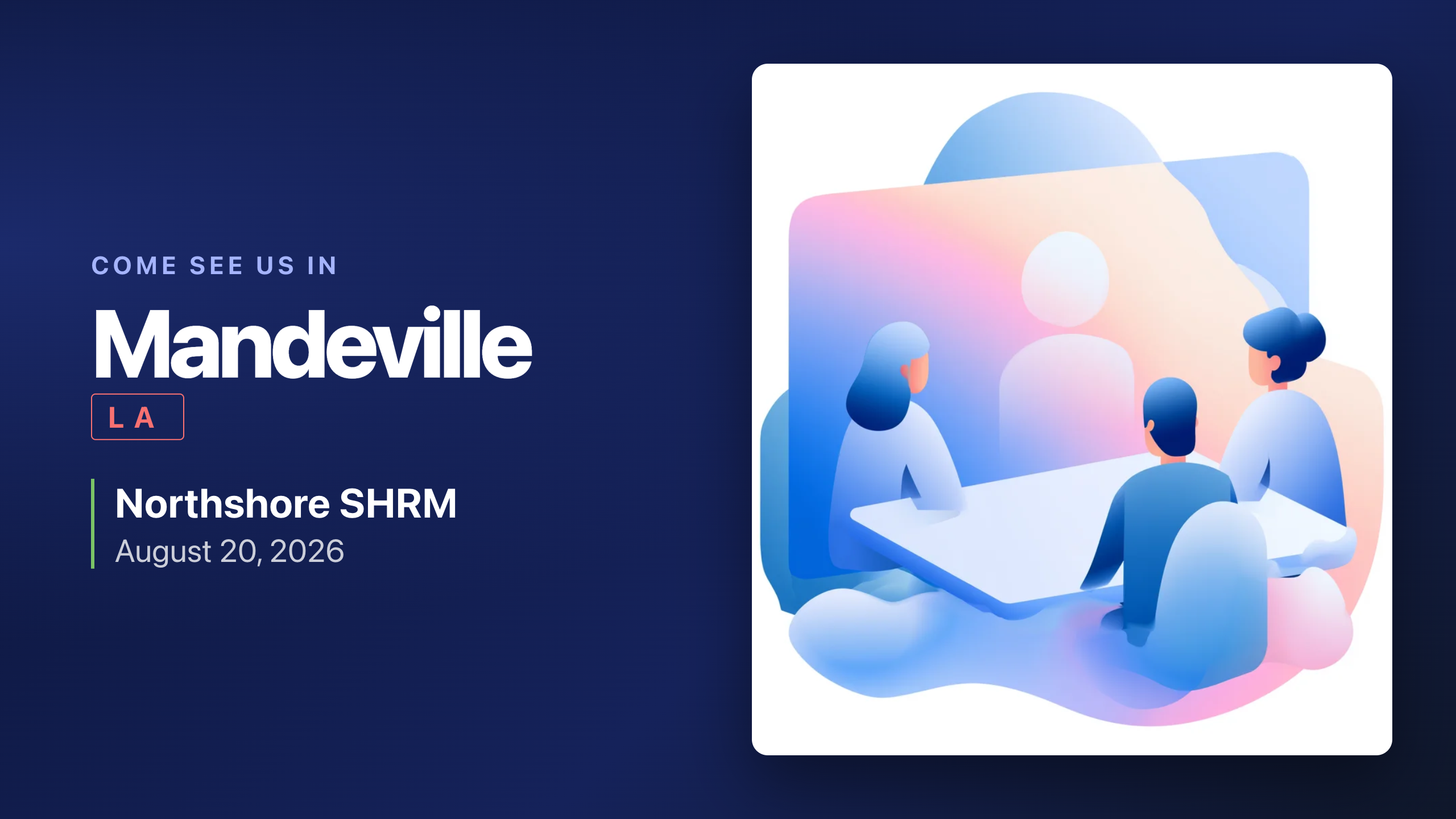 August 20, 2026
Event
Northshore SHRM
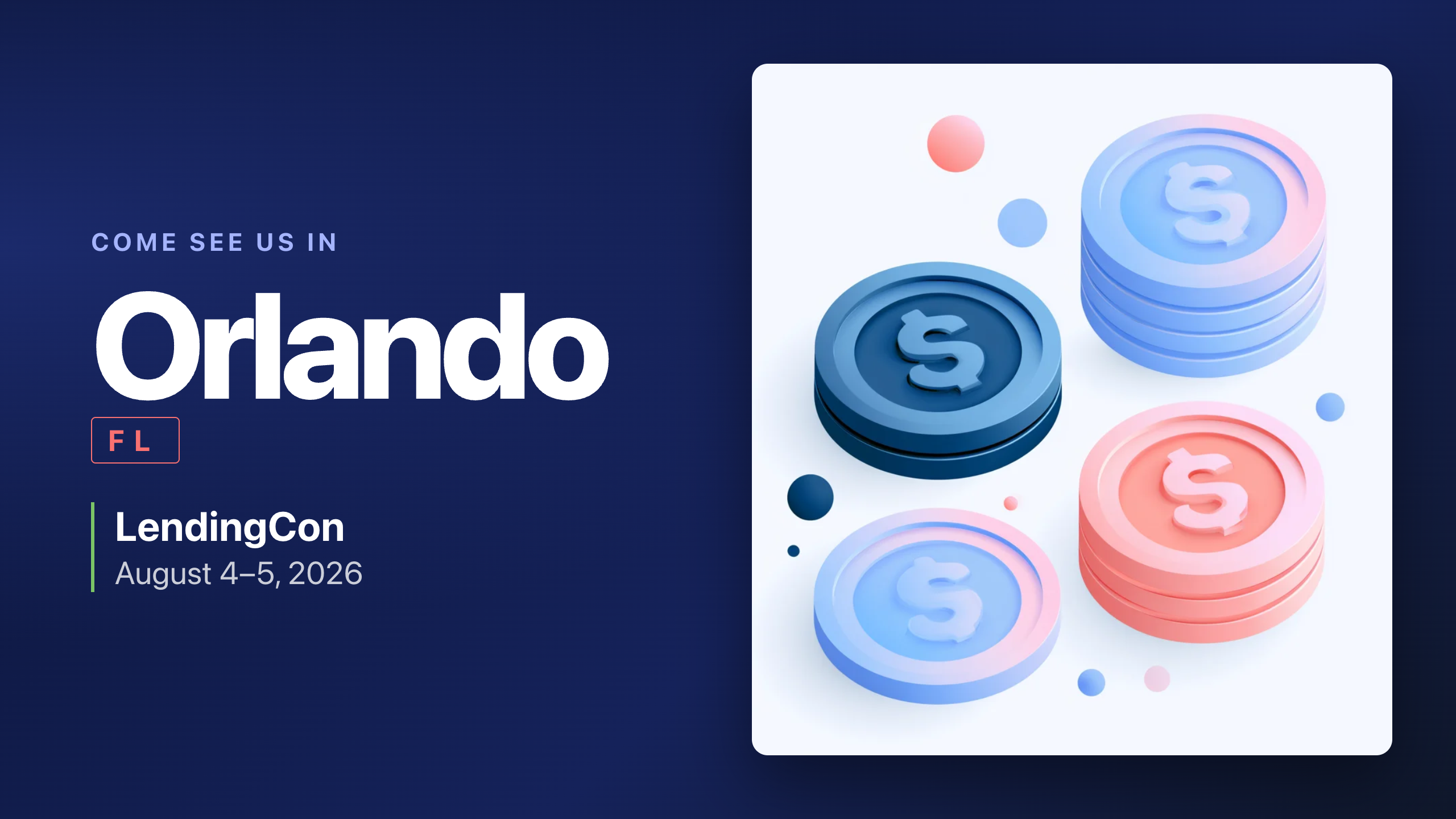 August 4, 2026 – August 5, 2026
Event
LendingCon
Netchex Supports You Every Step of The Way
Netchex pairs smart tools with real people who know payroll inside and out. Our industry-leading Services team is here to guide you through submissions, resolve Experience Hub cases, and review your reporting to ensure nothing slips through the cracks. From quick answers to hands-on support, we’re committed to making your year-end smooth, accurate, and stress-free.

Chat with Netchex AI
for instant answers and support

Call Us
(985) 220-1410

Submit a support ticket anytime
we’ll follow up fast

Go to the Experience Hub
to access our knowledge base

Check System Status
for live performance updates