Share
A missed-punch alert goes out. Nobody sees it for a week.
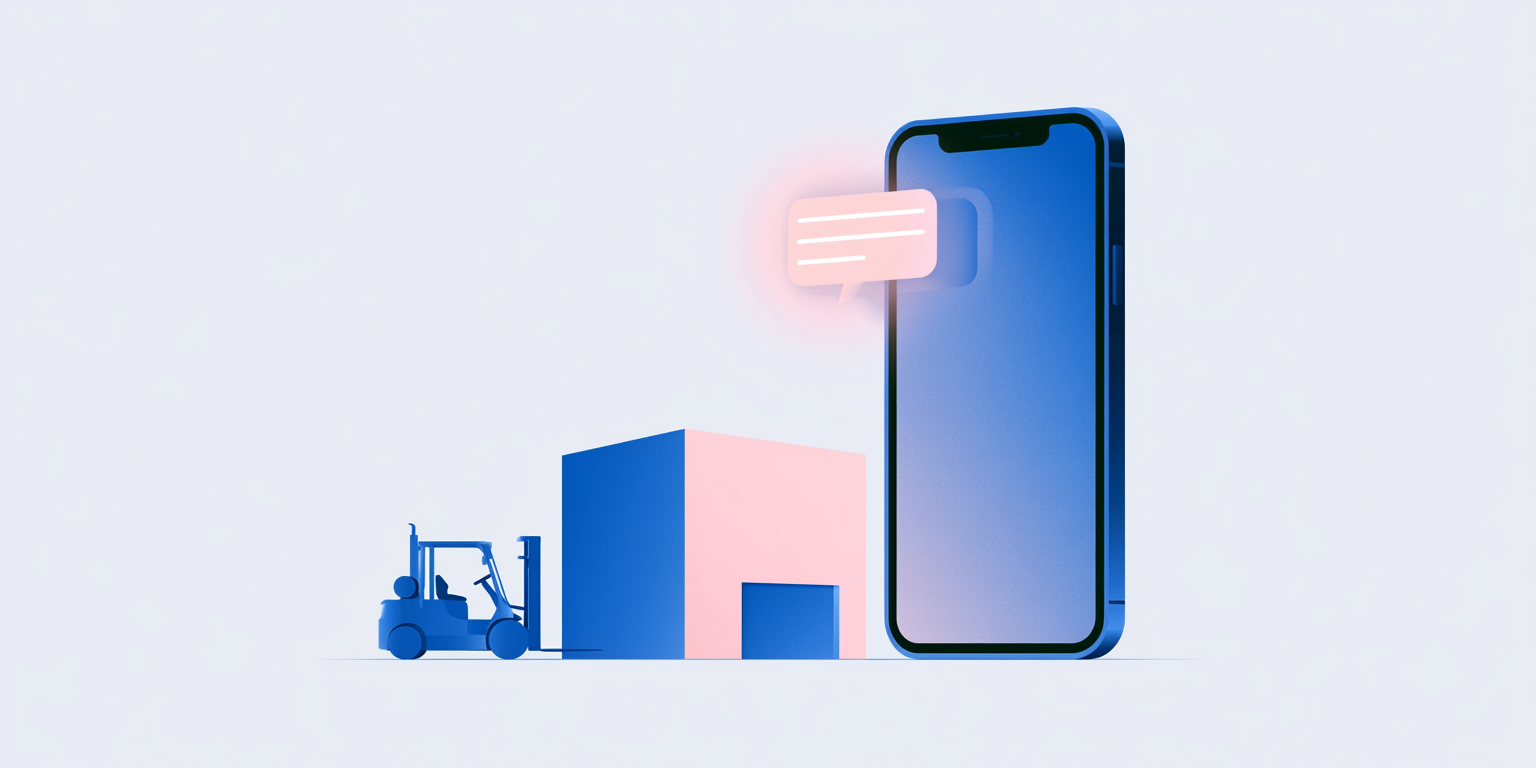
That is not a glitch. It is what happens when payroll and HR notifications are built for someone sitting at a desk, and most of the workforce never is. Deskless and hourly employees make up a huge share of the businesses Netchex serves, from manufacturing floors to hotel front desks, and the systems meant to reach them routinely do not.
Last updated: September 2026
The channel is not the problem you think it is
A payroll manager at a 531-employee manufacturer described a text-notification feature that had been broken for over a year. Employees were supposed to get a text the moment they missed a punch. Instead, the only alert that reliably arrived was a text to her own personal phone every time she processed a direct deposit change, which she had never configured and could not turn off.
Meanwhile the employees who actually needed the missed-punch alert were checking a company email address that IT had just locked to company devices. Most of her hourly staff had not opened that inbox in months. She started telling every cell leader to have their team switch their account to a personal email, one person at a time, because that was the only lever she had left.
Announcements that cannot be targeted are announcements nobody reads
A 790-employee restaurant group ran into a simpler version of the same wall. Their platform could only send one announcement to everyone at once, with no way to message a single employee. When a manager needed to reach one person about a direct deposit problem, the only option was looking up a phone number and leaving a voicemail to a number the employee did not recognize.
A YMCA executive tried something similar internally. He wanted to push an open internal job posting to part-time staff through the platform’s built-in ticker, the kind of message that shows up when someone clocks in. He asked two staff members the next morning whether they had seen it. Neither had.
Eighty percent of the workforce never has a login problem, because they never log in
At the restaurant group above, roughly eighty percent of employees have no work email at all. Performance reviews require a mobile sign-off, and employees without an email cannot complete one, so managers quietly stop running them. Some staff go two years without a documented review, not because anyone decided that was acceptable, but because the workaround never got built.
A 51-location auto care franchisee described the same pattern from the other direction. Employees complete onboarding, then lose their login and never come back. Anything the company needs to communicate travels down through managers by word of mouth, group chats, and a break room fridge covered in outdated labor law posters. That is not a communication strategy. It is what fills the gap when there is not one.
What actually reaches a deskless employee
The businesses handling this well share a few habits, none of them exotic.
- Text over email for anything time-sensitive, since a missed punch or a schedule change loses relevance within hours
- Per-employee messaging, not just broadcast announcements, so a manager can reach one person without a phone number lookup
- A single account tied to a personal identifier rather than a work email an employee may lose access to on day one of employment
- Mobile-first task completion, including sign-offs and reviews, not just mobile viewing
- A tested delivery path, checked periodically rather than assumed to work because it was configured once
According to the Bureau of Labor Statistics, a majority of the US workforce works in roles classified as production, service, or frontline, meaning most employees in most industries are not sitting at a computer during their shift. Software built primarily for the admin’s screen will always under-serve them.
Fixing the channel does not fix the workflow underneath it
A working notification does not help if the task behind it still requires a desktop. Several employers described managers who can see a time-off request on their phone but cannot approve it there, so approvals stack up until someone happens to sit down at a computer. The notification worked. The action it triggered did not.
This is why employee engagement tools and time and attendance need to live on the same mobile surface as the notification itself, not a separate portal an employee has to be taught to find. When onboarding, punches, PTO requests, and manager approvals all run through one mobile app, a business stops needing a workaround for the population that never sits at a desk.
Netchex is built mobile-first for exactly this reason, from clock-in through onboarding and benefits enrollment, so the same phone an hourly employee already uses to check a schedule is the one that reaches them for everything else.
Frequently Asked Questions
Most systems default to email, but a large share of hourly and deskless employees rarely check a work email address, especially if it is locked to a company device or forgotten after onboarding. Text messages and in-app alerts reach this population far more reliably.
Confirm delivery with a real test message rather than assuming a configured feature is functioning, since a broken notification can go unnoticed for months. In the meantime, have affected employees switch their account to a personal email or phone number so alerts have somewhere to land.
This depends on the platform. Systems built only for one-to-all announcements force managers to fall back on personal phone calls or voicemails for individual issues like a direct deposit correction. A system with per-employee messaging avoids that entirely.
No. Employees also need to be able to complete the action a notification triggers, such as approving time off or signing off on a review, from the same mobile screen. Viewing a notification without being able to act on it just moves the bottleneck.
Ready to Reach Every Employee, Not Just the Ones at a Desk?
See how Netchex delivers payroll and HR notifications your deskless workforce actually sees and can act on.
This guide reflects publicly available product information and independent reviewer data (G2, Capterra, Trustpilot, Yelp, Better Business Bureau, Reddit, Software Advice, GetApp) as of 2026. Feature availability and pricing may vary by plan. Contact each provider for current details.
Disclaimer: Any product roadmap or future plans provided herein are for informational purposes only. They do not represent a commitment to deliver any material, code, feature, or functionality. Plans may change without notification. The development, release and timing of any features or functionality described remain at the sole discretion of Netchex, its affiliates, and partners. Netchex does not give legal, tax, or accounting advice. You are responsible for ensuring your use of Netchex product meets your individual business and compliance requirements.

Related events
5 Best Peoplease Alternatives for Trucking, Construction, and Blue-Collar Businesses
Netchex vs. Peoplease: Which HR and Payroll Platform Is Right for Your Business in 2026?
5 Best Infiniti HR Alternatives for Franchise Operators